
 +91-9580 374 374
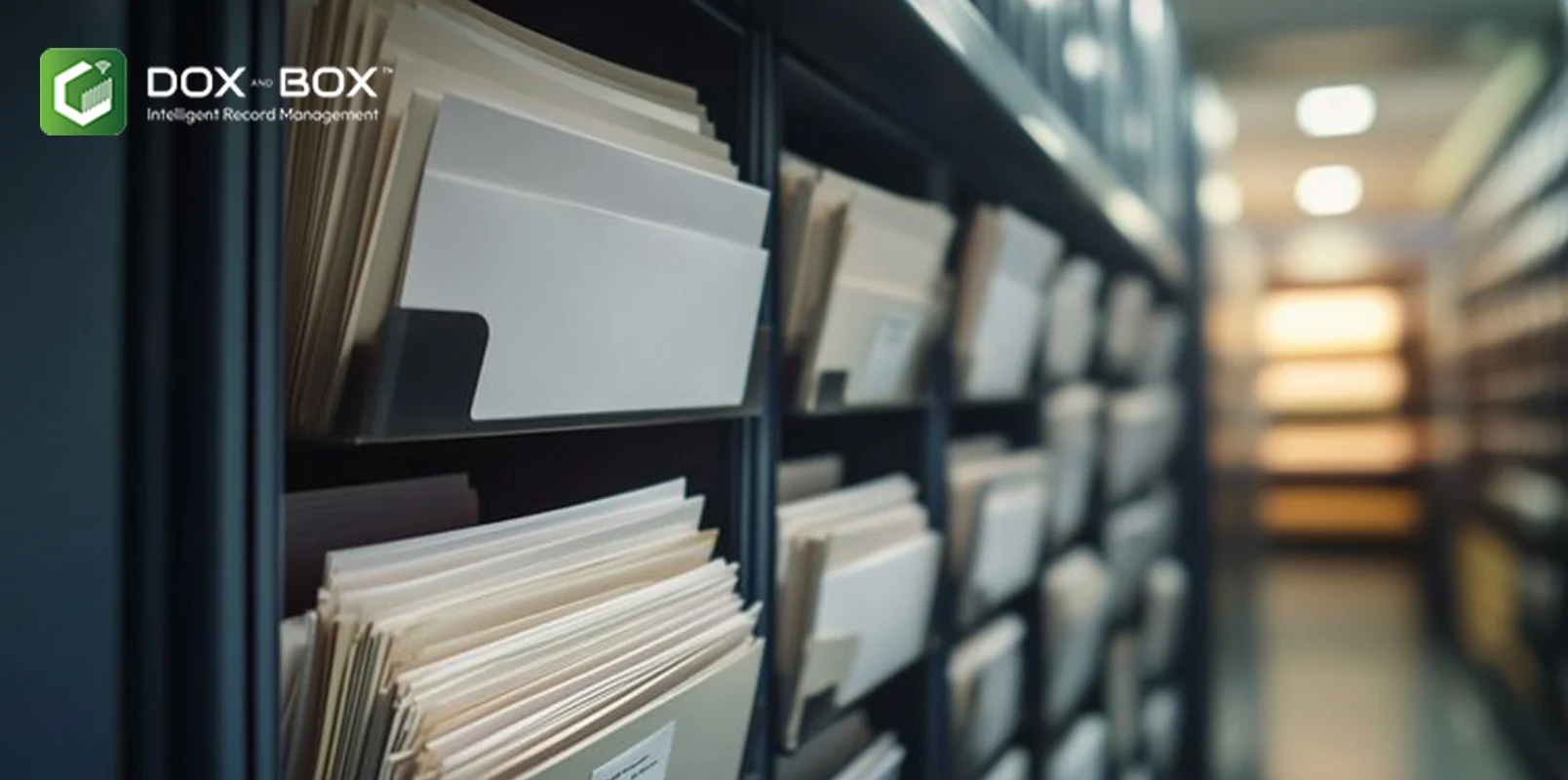
Imagine arriving at your company tomorrow only to find a disaster zone. The workspace is ruined. Water covers the floors, or ashes fill the air. Perhaps your computer screens display a harsh demand for money. These nightmare scenarios happen to real companies every single day.
Disasters hit when we least expect them. They test the true strength of your company setup. How would your team handle the total loss of paper files? What happens when your local digital files vanish into thin air? This guide takes a look at the hard truth about office disasters and explains how to keep your data safe.
The Shocking Reality of Water Damage
Floods are highly destructive events for paper records. They distort paper and dissolve ink instantly. They turn heavy file cabinets into rusted blocks of waste.
- Mold grows within 48 hours: Standing water creates a perfect home for mold. Fungus breaks down paper fibers and destroys text permanently.
- Paper turns into solid mush: Wet documents stick together tightly as they dry. Trying to separate the pages tears them to pieces.
- Chemical stains ruin files completely: Floodwater carries mud and grease. These toxins leave thick stains that make text unreadable.
- Drying files costs a fortune: Saving wet paper requires expensive vacuum freeze-drying. The recovery process takes weeks to finish.
- Restoration yields poor results anyway: Even saved documents remain fragile. They look warped and tear at the slightest touch.
The Destructive Power of Office Fires
Fires leave absolutely nothing behind. They turn decades of hard work into piles of gray ash within minutes.
- Paper burns at low temperatures: Paper ignites at just 451 degrees Fahrenheit. A typical office fire easily beats this heat.
- Smoke damages unburned documents nearby: Thick smoke coats everything in dark soot. The acidic soot eats away at clean paper.
- Water from hoses adds insult: Firefighters use high-pressure water to stop flames. This water causes severe flooding inside the property.
- Heat destroys standard digital drives: Hard drives melt inside cheap plastic safes. The heat wipes out local backups instantly.
- Toxic ash blocks entry entirely: Safe recovery becomes impossible for weeks. The air stays unsafe for humans to breathe.
The Silent Threat of Ransomware
Cyberattacks do not break windows or burn walls. However, they lock down your company just as effectively as a physical fire.
- Criminals encrypt files completely: Attackers use strong digital locks on your files. You cannot open a single spreadsheet or invoice.
- Backups get wiped out first: Modern ransomware looks for local backup drives. It destroys those backups before locking the main computers.
- Downtime lasts for several weeks: The average company downtime after an attack is 24 days. Your team cannot do any work during this time.
- Recovery costs drain your budget: Fixing systems after an attack costs an average of 1.53 million dollars. This cost excludes the actual ransom payment.
- Data gets leaked to criminals: Attackers steal data before locking it up. They threaten to publish private customer records online.
The True Cost of Losing Your Data
Losing files brings severe consequences. It threatens the very life of your enterprise.
- Operations stop immediately: Employees cannot serve clients without records. Sales stop and revenue drops to zero.
- Fines pile up fast: Governments enforce strict data protection rules. Losing client files leads to massive legal penalties.
- Lawsuits drain your bank account: Partners can sue you for contract failures. Legal fees add up even if you win.
- Customers leave for good: Clients lose faith when you lose their data. They quickly move to rivals who keep data safe.
- Bankruptcy becomes a real danger: Many companies close after a major data loss. They simply cannot survive the financial shock.
How to Protect Your Essential Records
Protecting your enterprise requires a smart strategy. You must move files away from danger zones.
- Use professional external storage hubs: Keep your physical documents in specialized offsite centers. These facilities offer advanced protection against fire and water. Using a dedicated vital records storage service ensures your paper files remain secure and accessible under strict climate controls.
- Digitize all physical paperwork today: Turn paper files into clean digital copies. Digital files are much easier to protect and share.
- Keep physical files in safe zones: Never store original paper records in basements or near water pipes. Move them to high shelves or secure rooms.
- Separate your storage locations wisely: Never keep all copies in one single room. Spread your files across different physical locations.
- Use high-grade storage facilities: Look for record centers with top-tier fire suppression systems. These systems stop fires without using water.
Smart Strategies for Digital Protection
Digital safety requires more than basic antivirus tools. You need strong backup systems.
- Follow the smart backup rule: Keep three separate copies of all files. Store them on two different types of media.
- Keep one copy completely offsite: Always store one backup far away from your office. This keeps it safe from local fires.
- Use automated backup schedules daily: Do not rely on workers to copy files manually. Set systems to back up data automatically every night.
- Test your data recovery systems: Practice restoring files from your backups regularly. A backup is useless if it does not work.
- Train staff to spot phishing: Most cyberattacks start with bad emails. Teach workers to never click on strange links.
The Power of Modern Document Management
Modern file systems keep your business moving. They protect you from unexpected disasters.
- Access your files from anywhere: Modern systems let teams work from home. A ruined office will not stop your daily operations.
- Track changes to your documents: Good software keeps a history of all file edits. You can easily roll back mistakes or changes.
- Control who sees your data: Set strict rules for file access. Keep sensitive information away from unauthorized eyes.
- Find files in seconds flat: Digital indexing lets you search by keywords. Workers waste no time looking through paper boxes.
- Save massive amounts of office space: Moving paper offsite clears up the workplace. You can use that extra space for productive work.
Partnering for Absolute Security
You do not have to build these safety systems alone. Experts can handle the hard work for you. Professional firms manage your paper trail with care. They use advanced systems to catalog and protect your history.
Choosing a reliable partner like Dox and Box gives you complete peace of mind. Their team handles the heavy lifting of secure business document storage seamlessly. You can focus on growing your business while experts safeguard your history.
Security experts always warn about the dangers of poor planning. Cybersecurity expert Kurtis Minder once stated that companies often fail to realize how fast an attack can spread through their networks. The same speed applies to fire and water.
Investing in secure vital records storage keeps you ahead of disasters. It shields your brand from massive financial ruin.
Modern cloud storage data management tools provide a strong digital shield against hackers. These systems track threats in real time. They isolate infected files before damage spreads across the company network.
Working with Dox and Box ensures your business remains resilient. Their modern facilities protect your records from fire and floods. They help you build a bridge to a safer digital future.
Every business needs a strong backup plan. Do not wait for a disaster to test your security limits. Protect your files today to keep your business running tomorrow. Trust Dox and Box to build a secure wall around your vital records storage needs.

Content Writer
 Storage

