 +91-9580 374 374
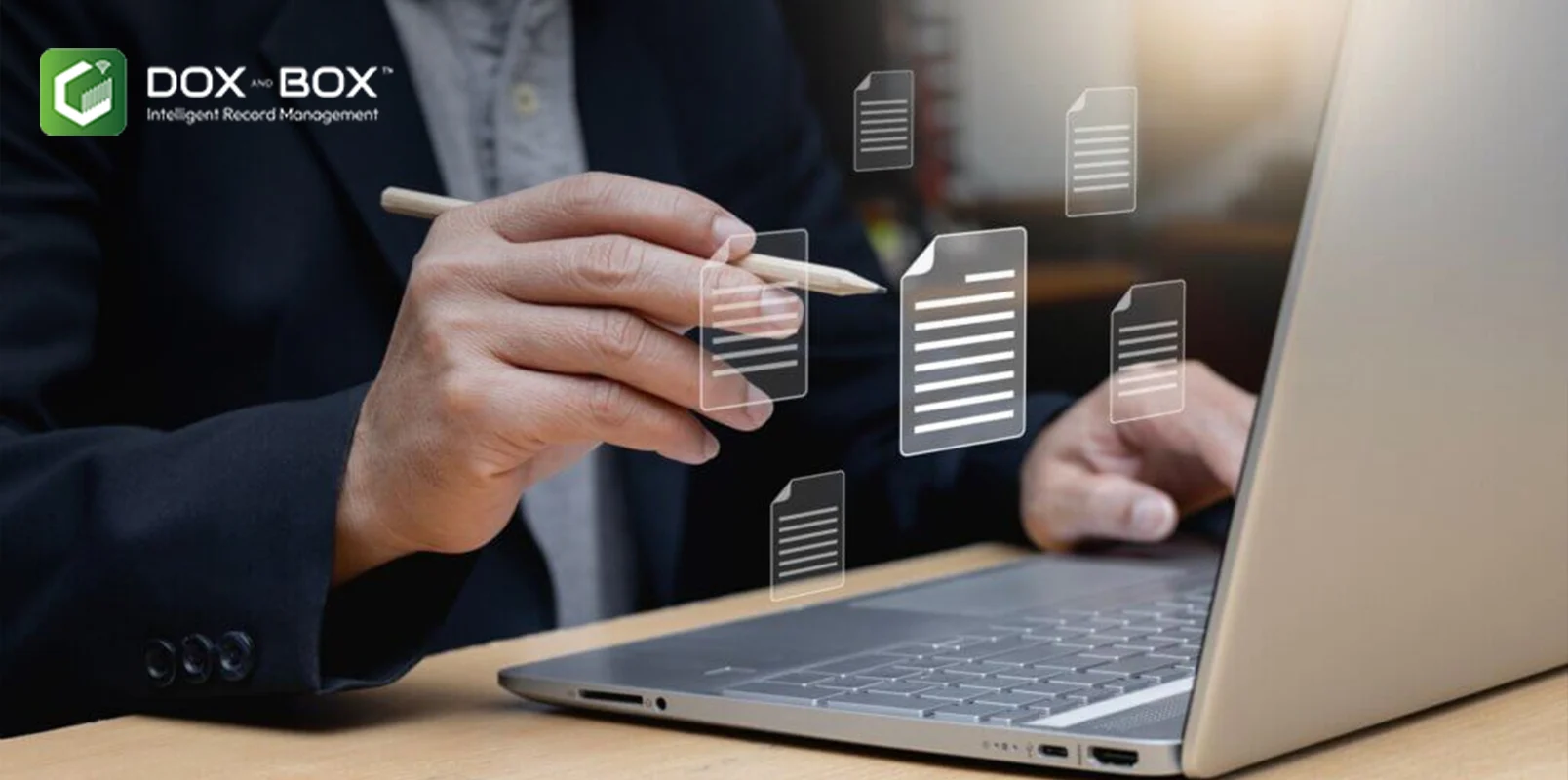
Picture a single property file from the 1980s. It contains a typed deed, a hand-drawn site plan folded down to fit the folder, carbon-copy receipts, a photograph glued to one page. Also a handwritten margin note that changes the meaning of everything else.
Now multiply that file by 40,000. Complex archives are difficult because each folder is a set of related records, not just a stack of pages. Good document digitization services capture the images, but they also preserve how the records relate to each other and what they mean. So the digital archive can be trusted as much as the paper one.
What Makes an Archive "Complex"
Volume alone does not make an archive complex. These are the characteristics that usually do:
- Mixed formats. Standard pages may sit beside oversized drawings, bound registers, photographs and microfilm.
- Handwriting. Ledgers, forms and annotations are often handwritten, which makes automatic text recognition less reliable.
- Fragile material. Old paper, faded ink, tape repairs and brittle bindings need careful handling.
- Linked documents. Agreements have annexures, claims have supporting evidence, and drawings have revisions.
- Inconsistent filing. Filing practices often change over the decades, so the same document type may be stored in several ways.
- Sensitive content. Personal, financial, or legal information requires controlled handling at every stage.
Most large archives have at least three of these characteristics, and many have all six.
Where Large Projects Usually Go Wrong
The issues below are common patterns, not industry statistics. Most come from treating a complex archive as if it were a simple page-count job.
- Relationships get lost. An annexure is scanned as a separate file and is no longer connected to the contract it supports.
- OCR is expected to do too much. Printed text usually converts well, but handwriting and poor-quality copies often do not.
- Metadata is planned too late. Teams decide how they want to search only after thousands of files have already been processed.
- Decisions are not documented. No one records which settings were used, what was skipped, or why.
Fixing any of these after the project is far more expensive than planning for them before scanning starts.
Planning Large-Scale Document Digitization
Before scanning begins, a clear plan helps you choose the right equipment, protect fragile records, preserve document relationships, and avoid costly rework.
Survey the archive first.
Open a sample of boxes from different years, departments, and shelves. Record the formats, page condition, and document types you find. This survey shapes everything that follows, including the quote, timeline, and equipment needed.
Match the capture method to the material
Different materials need different handling:
- Sound, loose pages can usually go through production sheet-fed scanners.
- Fragile or bound items need flatbed or overhead capture, so they are not forced through rollers.
- Drawings and maps need large-format equipment.
- Microfilm and microfiche need dedicated film scanners.
Splitting the archive into these streams early helps prevent damage and avoids delays later.
Keep the structure, not just the pages.
A digitized record is only as useful as the context around it. The US National Archives' rules for digitizing permanent records specify which metadata must be stored in a recordkeeping system, embedded in each file, or both. They also include specific "Relation" fields for recording links between source records.
Those rules apply to US federal agencies, but the principle works for any business. Give every record a unique identifier, and record parent-child links such as contract and annexure, or claim and evidence, in the metadata.
Be realistic about OCR, ICR, and data extraction.
OCR handles printed text, while ICR is designed for hand-printed characters. Neither should be assumed accurate on degraded or cursive handwriting. For fields that matter, such as policy numbers, dates, or amounts, plan for human verification of extracted data.
Build quality control into every batch.
Compare page counts with the source documents. Check images for skew, clipping, and legibility, and test index fields against the originals. Record these checks so you can show how each batch was validated if anyone asks later.
What to Ask a Document Digitization Company
Whichever provider you consider, ask each one to explain:
- How they handle fragile, bound, oversized, and film-based materials
- How parent-child relationships between documents are captured
- Which metadata fields they can capture and where that metadata is stored
- How they validate OCR and handwriting extraction
- How records are transported, tracked, and secured
- Which file formats they deliver and how files reach your systems
Dox and Box offers bulk and on-demand scanning, large-format and book scanning, document indexing and metadata services, and OCR and data capture. The company states that it digitizes documents, books, and microfilm, delivering files in formats such as PDF and TIFF with OCR and ICR for search.
Its published process includes inspection and preparation, secure transport with tracking, scanning, quality checks, and delivery to the cloud or in the client's preferred format. For data stored inside records, Dox and Box also offers AI-driven document processing that uses machine learning, OCR and natural language processing to extract, classify and validate information.
Start With Your Most Difficult Records
A pilot on your simplest records will tell you very little. Choose a sample that reflects your hardest material, such as handwritten ledgers, folded drawings, and files with long annexures.
A document digitization company like Dox and Box should be able to demonstrate how it handles these materials while keeping related records connected. If the provider digitizes the sample accurately, with the links between documents intact, you will have a much clearer basis for planning the full archive and comparing quotes.

Content Writer
 Storage

